
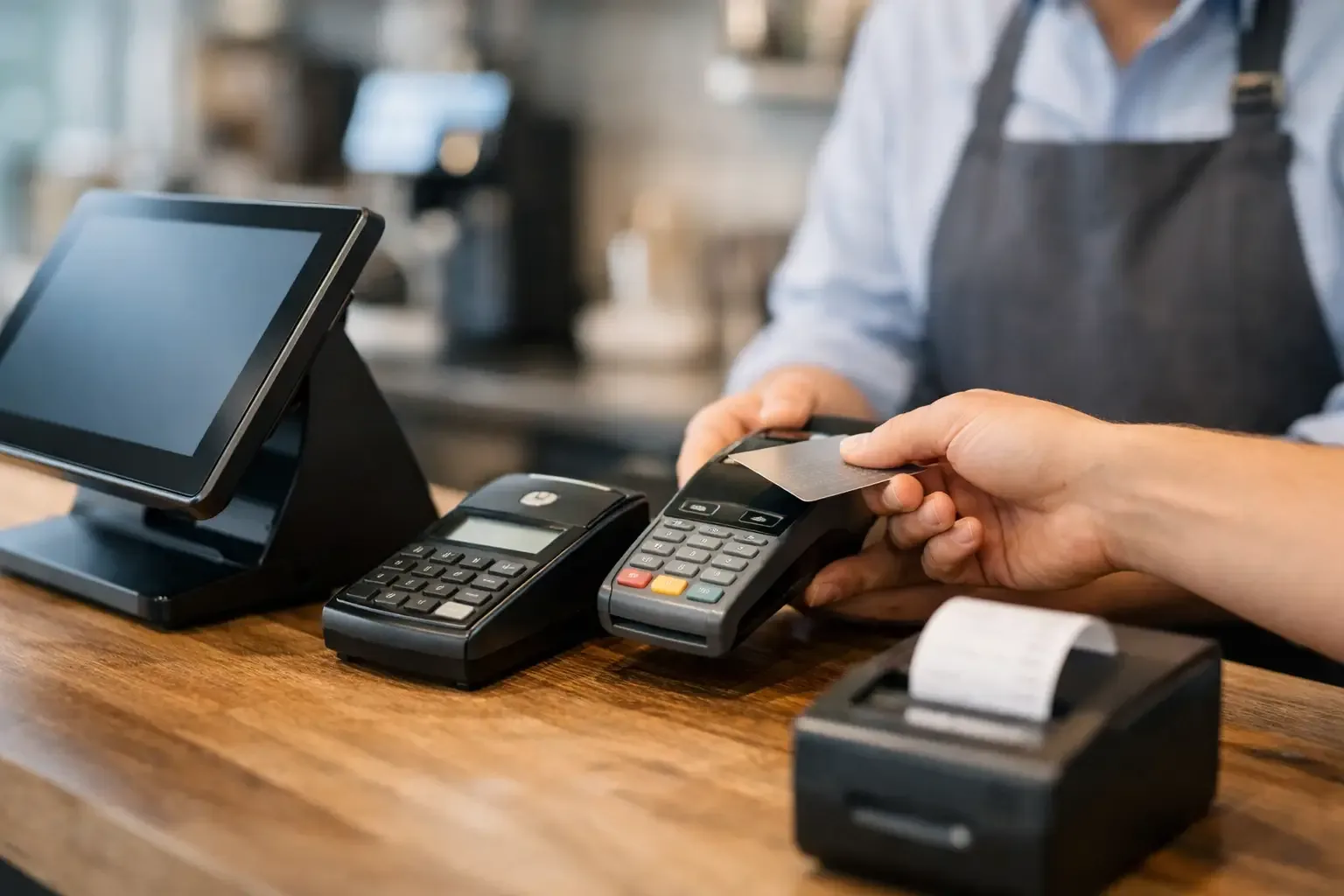
In a restaurant, the difference between a controlled queue and gridlocked service can come down to communication between the till software and the payment terminal. This POS payment integration guide explains how to connect these systems in a way that suits your operation, avoiding amount errors, reconciliation failures and excessive reliance on manual processes.
Integrating payments does not just mean placing a terminal by the counter. It means creating a flow in which the sale amount, payment method, transaction confirmation and cash-up move between systems according to clear rules. For retail, restaurants, hospitality, launderettes or self-service spaces, this connection has a direct impact on service speed, financial control and the customer experience.
POS integration guide for payments: start with the operation
Before choosing a technology, you need to define what the point of sale must do. The acronym POS can refer both to the point of sale software and to the payment terminal. In an effective integration, both work together, but each keeps a specific responsibility: the POS manages the sale and the commercial document; the terminal processes the electronic payment through the acquirer.
The first step is to map the real journey of each payment. At a restaurant counter, for example, a member of staff closes the bill on the POS, sends the amount to the terminal, waits for authorisation and receives confirmation to complete the receipt. In a self-service launderette, customers can select and pay for the service at a kiosk without staff involvement. In a hotel, payment may be linked to check-in, extras during the stay or a pre-authorisation.
This analysis should identify exceptions that are often left out of a sales demo: partial payments, split bills, tips, refunds, cancellations, communication failures, duplicate receipts and transactions started but not completed. An integration that only works for the ideal sale creates new problems as trade picks up.
There are three common models. In the standalone model, the operator enters the amount directly on the terminal. It is simple to install, but leaves room for errors and slows down reconciliation. In the counter-integrated model, the POS sends the amount automatically to the terminal and receives the result of the transaction. This is the most common option for businesses with a regular volume of transactions. In the self-service model, a kiosk or automated unit guides the customer from selection to payment, with its own rules for interface, security and remote support.
The choice depends on sales volume, the number of tills, the need for mobility and the level of autonomy required. A small shop with low footfall may benefit from a simple process. A restaurant with intense lunchtime peaks or a shop with several tills will tend to justify a more complete integration.
Design the payment flow before configuring the equipment
The integration should be designed as an operational process, not as an isolated technical connection. The aim is to make sure every sale has an unambiguous status, from the moment it is recorded until it is reconciled at cash-up.
A well-defined flow includes six moments:
- The POS or kiosk calculates the final amount, after discounts, charges, voided items or other applicable adjustments.
- The system sends the payment request to the terminal or card acceptance module.
- The customer confirms payment on the device, by insertion, contactless or another available method.
- The terminal returns an approved, declined, cancelled or pending response.
- The POS updates the sale status and issues the corresponding document according to the configured invoicing process.
- The information becomes available for review, end-of-shift cash-up and reconciliation with the acquirer’s records.
The most sensitive point is the terminal’s response. If payment is approved but communication with the POS fails before the sale is updated, staff need to know what to do without charging the customer again. That is why the solution should allow staff to look up recent transactions, identify references and recover statuses when there is a network or power outage.
It is also wise to define who can cancel a transaction and in what circumstances. A cancellation on the POS is not necessarily a cancellation of the payment. Likewise, a refund should follow a controlled process, with user permissions and an audit log.
Technical requirements that should not be left until last
Compatibility between the POS software, the terminal, the acquirer and the management system is the foundation of the project. Some devices communicate over a local network, others use specific integration protocols or cloud services. The decision should take into account the existing infrastructure, the stability of the internet connection and the support capacity of the technical team.
It is advisable to confirm in advance whether the POS provider supports integration with the chosen terminal or acquirer. It is not enough to know that both accept cards. You need to check that they can exchange the sale amount and the authorisation result, as well as handle refunds, end-of-day closes and error messages within the same flow.
Invoicing should be considered from the outset. The system responsible for issuing commercial and tax documents must keep the amount invoiced consistent with the amount actually paid. When there are mixed payments, such as cash and card, or payments by reference, this match becomes even more important for daily control.
In businesses that accept cash, the integration can include an automated cash management solution. In this case, the POS communicates with both the card terminal and the cash unit, reducing manual entry of amounts and improving till control. SelfPay delivers this kind of automation by sector, combining payment flows suited to both staffed and autonomous points of sale.
Security and compliance in card processing
A good integration reduces the POS’s contact with sensitive card data. The sales software should send the payment request and receive only the information needed to confirm the transaction, without storing card numbers, security codes or authentication data.
The terminal and the acquirer take on the secure processing of the transaction. Even so, the business should confirm each party’s responsibilities regarding the security standards applicable to the card payments industry, software updates, credential management and equipment replacement.
Operational security also counts. Each member of staff should log in to the POS with their own user account, especially when they can apply discounts, void items, process refunds or open the cash drawer. Well-defined access profiles make it clear who carried out each action and reduce losses linked to informal procedures.
Kiosks and unattended equipment require additional care regarding physical installation, communications monitoring and customer support. Customers should clearly understand whether the transaction was accepted, declined or interrupted. A screen with ambiguous messages multiplies requests for help and can make users distrustful.
Test real scenarios before going live
Installation should not go straight into a busy period. Before going live, the team should test transactions with different amounts and payment methods, including less common situations. The aim is not just to check that the card is accepted, but to confirm that all systems record the same result.
Tests should cover approved, declined and cancelled sales, contactless payments, refunds, split bills, temporary network unavailability and devices restarting during a transaction. In each case, it is important to check what appears on the POS, on the terminal, on the document issued and in the end-of-day report.
Staff training should be short, practical and focused on decisions. Operators need to know how to start a payment, recognise an error message, confirm a pending transaction and ask for help without charging twice. Managers should know how to look up reports and compare totals by payment method.
Measure the results after integration
The return on a POS integration is not measured only by the number of cards accepted. You should look at average payment time, the reduction in till discrepancies, the number of transactions needing manual intervention, cancellations and the time spent on the daily cash-up. These indicators show whether the technology is taking tasks off staff or simply moving them to another moment.
For an operation with several tills or sites, it is worth setting common rules for cash-up, shift naming and report review. Without this discipline, the integration may work technically but still produce information that is hard to compare between shops, counters or periods.
The best decision is not necessarily the integration with the most features. It is the one that keeps pace with the business, protects the payment process and gives staff a clear answer when something goes wrong. Start by mapping a real sale, including the exceptions, and use that journey as the criterion for choosing the solution and planning the implementation.