
A customer walks into a restaurant at lunchtime, finds a queue at the counter and only needs to place a simple order. In a shop, another customer waits to pay while a member of staff checks change. It is at moments like these that understanding how to accept payments by kiosk stops being a technology question and becomes an operational decision. A self-service kiosk lets you take payments at the point of service itself, speed up service and free staff for higher-value tasks.
The solution is not only for high-volume businesses. It can be decisive in operations with demand peaks, staff shortages, a need for continuous service or a requirement for greater control over the payment process. The difference lies in choosing equipment and a configuration suited to the sector, the customer flow and the management system already in use.
How to accept payments by kiosk in practice
A payment kiosk brings together, in a single unit, the interface for ordering or selecting services, the payment method and communication with the business’s systems. Customers use the screen to choose products, confirm options, pay and, where applicable, receive a receipt or instructions for collecting their order.
In a quick-service restaurant, for example, the kiosk can display the menu, manage extras and meal deals, send the order to the kitchen and accept payment by card or digital wallet. In a self-service launderette, it can let customers select machines or programmes, pay and activate the service. In a hotel, the same logic can be applied to check-in or additional payments, provided the solution is integrated into the reception process.
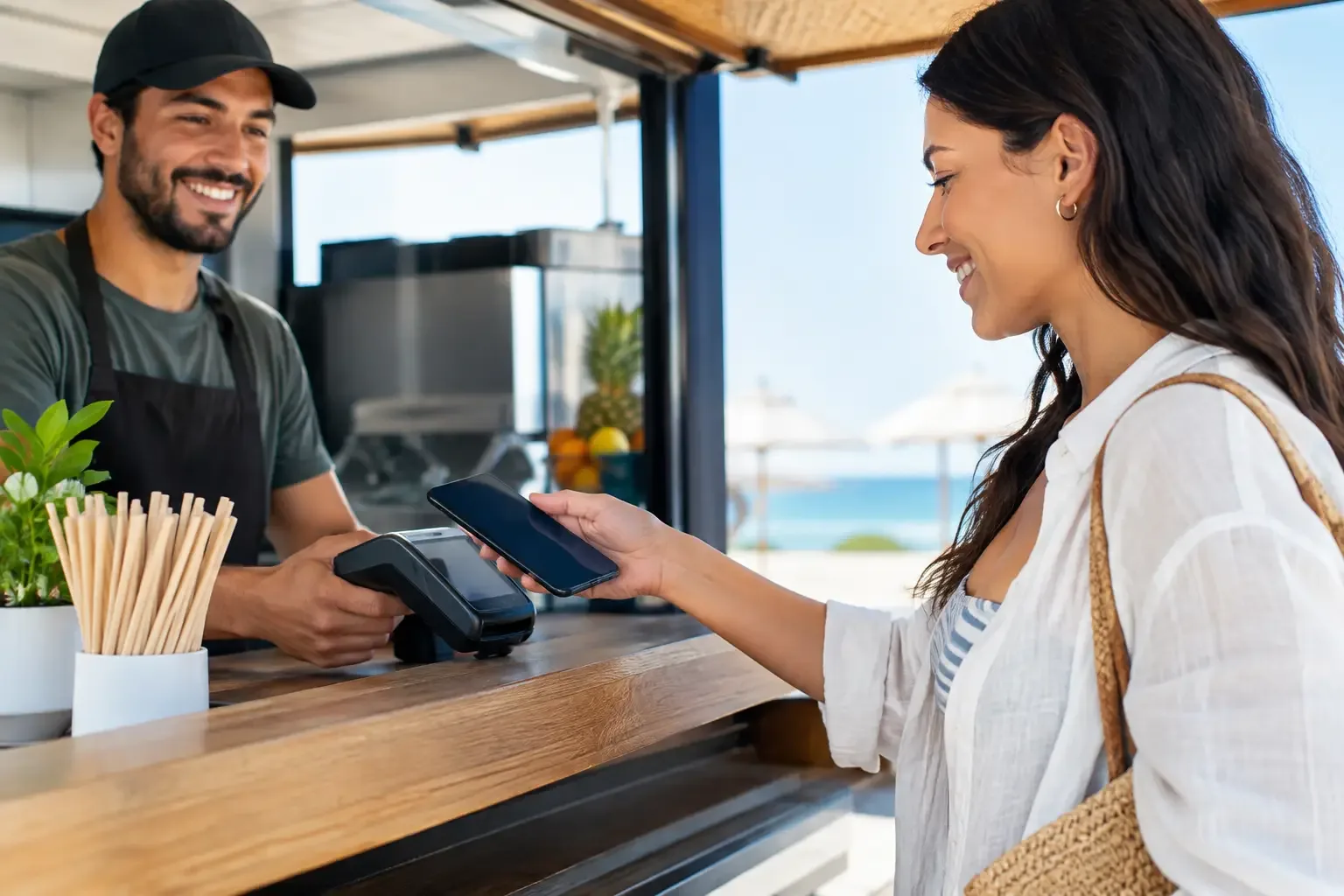
Payment is usually made through a terminal built into the kiosk. Depending on the operation, it can accept chip cards, contactless payments, digital wallets and other methods offered by the payment provider. If the business takes cash, the kiosk can be combined with automated cash management systems, so staff do not have to count notes and coins for every transaction.
Integration is the critical point. The kiosk should not operate as an isolated channel: it needs to communicate correctly with the point of sale software, stock management, invoicing and, where necessary, the kitchen, the launderette or the hotel management system. Without this link, the operation may gain a new piece of equipment but keep the errors, duplicated tasks and manual reconciliations.
What to define before installing a kiosk
Before choosing hardware, it is worth analysing the customer’s real journey. Not every business needs the same type of kiosk, and not all of them should automate exactly the same steps. The priority may be to cut queues, increase average order value, ensure availability outside the hours when staff are most present or reduce contact with cash.
Start by identifying where service loses time. If the queue forms while customers choose products, the kiosk should offer clear navigation, suitable images and options that are easy to understand. If the problem lies in cashing up, the priority may be automating payment and cash management. If there are errors in recording orders, a direct link to the POS and production system will matter more than a screen packed with features.
You also need to define which payment methods make sense for your customers. In urban and tourist areas, contactless payment and digital wallets are often expected. In businesses where there is still demand for physical cash, removing cash without assessing the customer profile can create friction. In this case, a cash management solution or a complementary service flow may be more suitable.
The kiosk’s location deserves the same attention. The unit should be visible at the entrance or before the counter, without blocking walkways and with enough space for customers to use the screen privately. In restaurants, signage should clearly indicate whether orders are collected at the counter, served at the table or called by ticket number. A poorly positioned kiosk may simply move the queue to another part of the shop.
Customer experience determines uptake
Accepting payments by kiosk is more than putting a payment terminal on a stand. Customers should be able to complete the transaction independently, quickly and confidently. If they have to ask for help with every order, the automation fails to do its job.
The screen should use plain language, visible buttons and a short journey. Overly long categories, technical messages or unclear options increase abandonment. In businesses with a strong tourist element, it is useful to offer more than one language, but without overloading navigation. Essential information should be easy to find: final price, order changes, payment method and transaction confirmation.
Speed is equally decisive. A slow kiosk, an unstable connection to the POS or a payment that takes a long time to authorise all damage the perception of the service. That is why the network infrastructure and the quality of the integration should be assessed before installation. It is not enough for the equipment to work in a demo: it has to perform well at the busiest times.
There are also situations where human service is still needed. Customers with specific needs, complex orders, complaints or questions about products require staff to be available. The aim is not to remove people from the service, but to take repetitive ordering and payment tasks off their hands so they can step in where their presence makes a difference.
Security, control and reconciliation
For many managers, the most immediate benefit of a kiosk is less pressure at the till. Fewer manual payments mean fewer change errors, fewer discrepancies at the end of a shift and greater traceability of sales. Each transaction is linked to an order and a payment method, which simplifies daily reconciliation.
With automated cash management, notes and coins can be accepted, validated and stored in a closed system. This reduces cash handling by staff and limits exposure to losses or till discrepancies. The right configuration depends on the volume of cash transactions and the internal rules of each venue.
Security also covers access to the kiosk itself. User profiles, administration permissions, logs of technical interventions and fault monitoring help maintain control over the operation. It is advisable to define who can change prices, view transactions, restart equipment or carry out maintenance.
From a tax and payments perspective, the solution must be ready to operate in line with the requirements that apply in Portugal. Check in advance its compatibility with the certified software used by the business, the document issuing flow and the conditions set by your acquirer or payment service provider. This validation avoids costly adaptations after installation.
Choosing the right solution by sector
In restaurants, a kiosk should simplify ordering, manage product modifiers and communicate with the kitchen without creating additional admin work. The option to suggest sides or upgrades can raise the average spend, but it only works if the experience stays fast.
In retail, self-checkout can suit smaller purchases and periods of heavy footfall. However, restricted products, items without a readable barcode or operations that require approval should have a well-defined support process. Automation does not remove the need for operational supervision.
In launderettes, the focus is on user autonomy and service availability. The kiosk should make it intuitive to select machines, cycles and times, as well as to confirm payment. In hospitality, the priority tends to be integration with booking, identification and check-in processes, while always keeping an alternative for exceptions or personalised service.
A specialised solution avoids generic adaptations that end up causing day-to-day failures. SelfPay works with equipment and systems designed for specific workflows in restaurants, retail, hospitality and launderettes, making it possible to plan an implementation that matches the reality of each operation.
Implementing without disrupting the business
Installation should begin with a pilot or a phased go-live, especially in busy operations. This period allows you to test integrations, observe customer behaviour, adjust signage and train staff to support the first users.
Measure results from the start: average service time, percentage of orders placed at the kiosk, number of staff interventions, average transaction value and till discrepancies. These indicators show whether the solution is solving the original problem or needs adjustments to the flow, the menu or the position of the unit.
A well-integrated kiosk does not replace quality of service. It creates room for staff to serve better, reduces repetitive tasks and gives customers more control over when they pay. When technology keeps pace with the real rhythm of the business, payment stops being a waiting point and becomes part of a more efficient operation.