
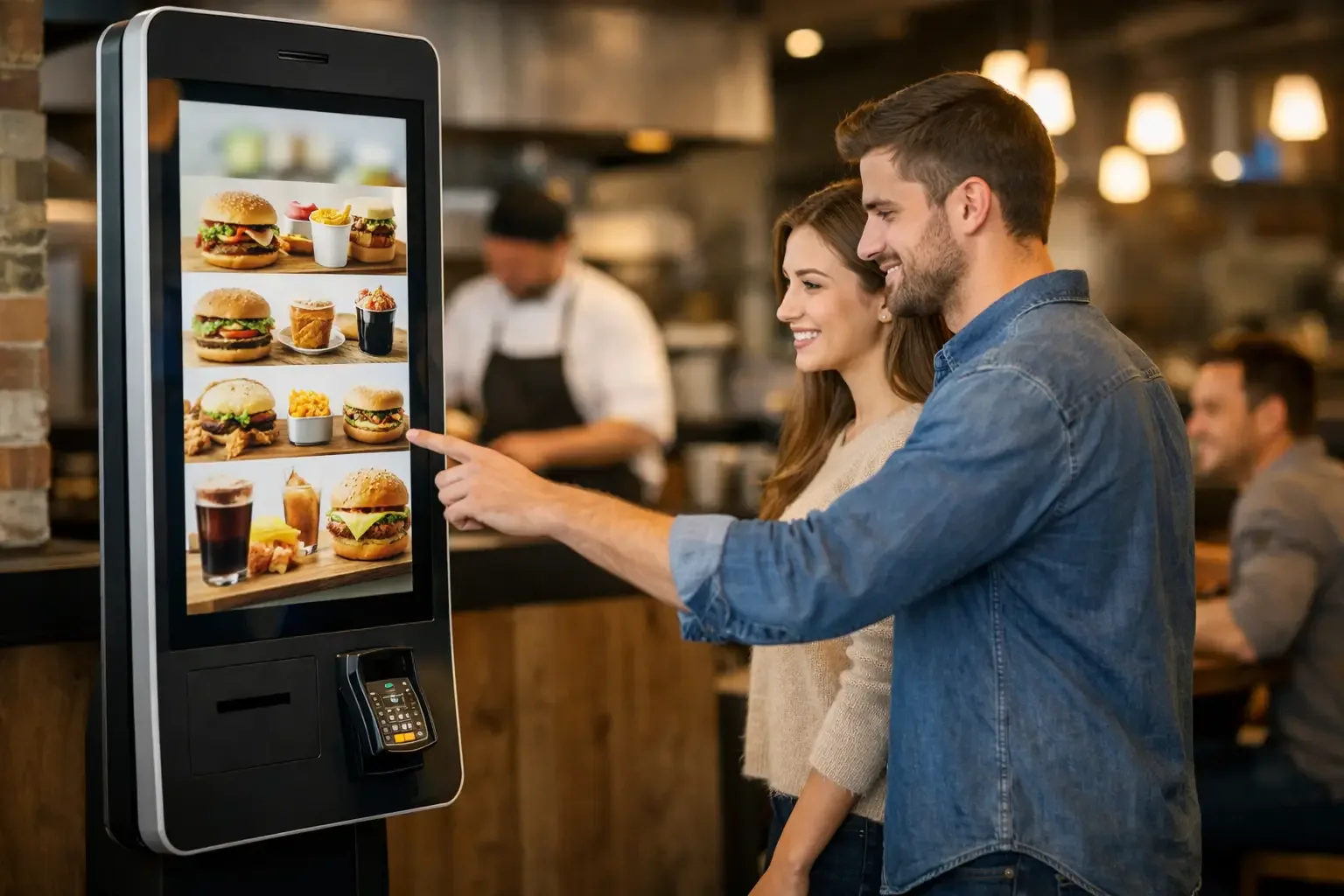
Queues grow precisely when the team has the least time to manage them. In a restaurant operation, this problem is not solved simply by putting more people behind the counter. Knowing how to implement an ordering kiosk lets you hand the most repetitive steps of service over to the customer, speed up payment and give the team more time to prepare, deliver and follow up on every order.
A kiosk is not just an ordering screen. It is a point of sale that must be integrated into the operation, the POS system, the kitchen and the restaurant’s service model. When the implementation is well planned, it reduces input errors, increases service capacity at peak times and creates a more independent purchasing experience. When it is treated as a simple equipment installation, it can create separate queues, misrouted orders and resistance from the team.
Start with the restaurant’s real workflow
Before choosing the equipment, you need to observe the customer journey from the entrance to order collection. Do customers order at the counter? Is there table service? Is payment made before or after eating? Does the kitchen receive digital tickets or does it still work with printed slips? These answers determine the configuration you need.
In a quick-service restaurant, the kiosk tends to play a central role: it takes the order, accepts payment and sends the information straight to production. In a café with a busy breakfast trade, it can mainly serve to relieve pressure at the counter. In a venue with table service, it can work as a complementary channel for takeaway, quick orders or the sale of specific products.
The aim should not be to replace all human contact. It should be to take predictable, repetitive transactions away from the counter, so that staff can step in where they make the most difference: answering questions, handling exceptions, delivering orders and building the relationship with the customer.
Decide where the kiosk adds the most value
Location is an operational decision. A kiosk placed too close to the entrance can block circulation, while one placed far from the collection area can leave customers wasting time looking for their order. The equipment should be visible and accessible and allow an orderly queue, without getting in the way of people coming in, going out or waiting for their food.
Capacity also needs to be calculated. A single kiosk may be enough for a venue with short, predictable peaks. In high-turnover locations, shopping areas, tourist spots or city-centre restaurants, two or more ordering points can stop the queue from simply moving from the counter to the machine.
The decision depends on transaction volume, average selection time and menu complexity. A menu with many customisations requires more interaction time. In these cases, it is better to test the ordering journey with real users before settling on the final number of units.
Choose the right format
There are countertop, wall-mounted and floor-standing kiosks. The format should suit the available space, circulation and usage profile. A countertop model can work well in a café or a small patisserie. A floor-standing kiosk becomes more relevant in quick-service restaurants, where customers need to spot the ordering point from a distance.
Screen height, legibility, accessibility and the robustness of the equipment also deserve attention. In an environment of continuous use, the investment should take into account not only appearance but also reliability, ease of maintenance and the availability of technical support.
Integrate POS, payments and production
Integration is what separates a useful kiosk from a fragmented operation. Every order placed on the device must enter the point-of-sale system without manual re-entry. The same information must go to the kitchen, bar or preparation area, with modifiers and notes correctly recorded.
If the customer chooses extra ingredients, removes an item or selects a meal deal, that logic has to be reflected in the POS and in production. Otherwise, the team will have to correct orders by hand, cancelling out part of the efficiency gain.
Payment must be just as simple and secure. Accepting cards and mobile payments meets the expectations of many customers, but the methods offered should match the audience and the business context. In operations where cash is widely used, it may make sense to complement the project with automated cash managementsolutions, to reduce till discrepancies and limit direct cash handling by staff.
It is also essential to decide how customers will follow the status of their order. A receipt with an order number may be enough in small venues. In higher-volume operations, an order call screen makes collection more orderly and reduces the number of questions put to the team.
Set up a menu designed for self-service
The counter menu does not always work on a kiosk. In face-to-face service, staff interpret questions and guide choices. In self-service, the structure has to be clear without constant support.
Start by organising products into intuitive categories and show the most popular or most profitable items first, without hiding relevant alternatives. Use consistent names, good-quality photos where appropriate and short descriptions. Information on allergens, vegetarian options and ingredients should be clearly available, especially when it influences the purchase decision.
Customisation deserves particular care. Offering too many options slows the process down, while offering too few can reduce customer satisfaction. The answer is to limit choices to the changes the kitchen can handle consistently and without causing delays. Every option shown on screen must correspond to a well-defined pricing, production and stock rule.
The kiosk can also help increase the average order value through relevant suggestions. A side, a drink or a dessert can be offered at the right moment. However, these suggestions should be helpful and unobtrusive. If the screen pushes several add-ons, the customer takes longer to finish and the experience loses its flow.
Prepare the team and protect the service
The implementation should involve the people who work in the restaurant every day. The team needs to understand what changes in the workflow, how orders are received, who helps a customer who is struggling and how payment failures, unavailable items or duplicate orders are handled.
Explaining how the system works technically is not enough. Responsibilities must be defined. During the first few weeks, someone should look after the kiosk area at the busiest times, guide customers when needed and log problems that can be fixed in the configuration.
Training should cover real situations: a customer asking for an invoice, a change to the order after payment, a sold-out product, a communication failure with the kitchen or a transaction that does not complete. The clearer the answers to these exceptions, the smaller the impact on service.
It also helps to explain the expected benefits to the team. The kiosk does not remove the need for service. It reorganises it. With less time spent keying in products and taking payments, staff can concentrate on the quality of delivery, keeping the dining area clean and quickly resolving situations that need human attention.
Launch with control, not just installation
The best way to launch is to test. Before going fully live, check every journey: simple orders, meal deals, extras, discounts, payments, receipt printing, communication with the kitchen, cancellations and refunds. This test should be carried out with real products and in conditions similar to a busy period.
In the first few days, track concrete indicators. Compare average order time, transactions per hour, production errors, average basket value and the volume of orders placed at the kiosk versus the counter. This data shows whether categories, wording, upselling suggestions or the position of the equipment need adjusting.
Maintenance should also be planned from the outset. Regular screen cleaning, paper checks, menu updates and connectivity monitoring prevent interruptions at a critical point of sale. A specialist partner such as SelfPay Portugal can help you choose and implement a solution suited to your type of operation, making sure equipment, payments and processes work together as a whole.
How to implement an ordering kiosk without creating new queues
Success is not measured by the number of kiosks installed, but by their ability to make service faster and more controlled. If the kitchen cannot absorb more orders, if the menu is confusing or if the collection area becomes disorganised, technology simply moves the problem elsewhere.
Implementation should move at the pace of the operation: start by mapping the workflow, integrate the systems, simplify the digital menu and prepare the team to support customers. When these decisions are based on the reality of the restaurant, the kiosk becomes more than a payment channel. It becomes a practical tool for growing without adding complexity to the service.