
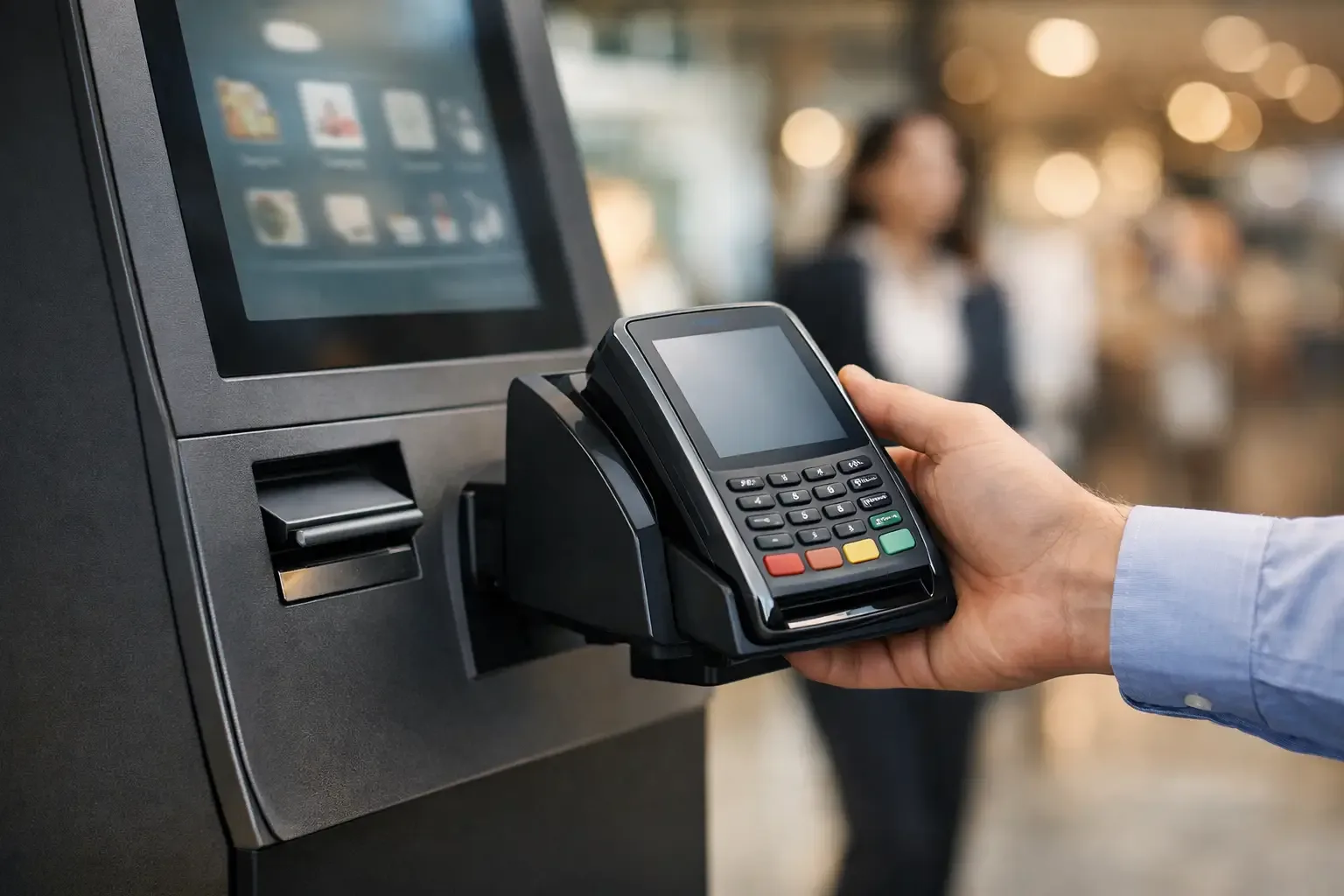
A kiosk that accepts payments but does not communicate correctly with the sales system creates more work than it saves. Knowing how to integrate a payment terminal into a kiosk is therefore an operational decision: it determines whether payment is confirmed at the right moment, whether the order moves forward without staff intervention and whether the cash-up matches the business’s real activity.
In a quick-service restaurant, a few seconds at payment affect the queue and table turnover. In a shop, an incomplete integration can mean transactions have to be confirmed manually. In a hotel or a self-service laundrette, a communication error can block a service with no staff on site to fix it. Integration must be designed for the specific flow of each operation, not just to connect a terminal to a screen.
How to integrate a terminal into a kiosk securely
Integration starts by defining the full transaction journey. The customer selects products or a service at the kiosk, the system calculates the amount, sends the payment request to the terminal and waits for the response. Only once payment is approved should it issue the receipt, record the sale, send the order to the kitchen or activate the service purchased.
This sequence looks simple, but each step must be ready for real situations: a declined card, a network outage, a customer who abandons the transaction or an authorisation received by the bank after the kiosk has stopped communicating. Without clear logic for these cases, you get duplicate sales, payments with no linked order and discrepancies that are hard to trace at closing.
The most effective solution is to integrate the kiosk software with a payment terminal designed for unattended operation and compatible with the chosen acquirer. The kiosk should start the payment with the correct amount and receive the transaction result automatically. The terminal keeps card data handling within its certified environment, while the service software receives only the information needed to complete or cancel the transaction.
Choosing between an integrated and a standalone terminal
A standalone terminal lets the customer pay, but requires a member of staff or the customer to confirm the result in another system afterwards. It can be a temporary option or suit a low-complexity point of sale. However, automation is lost, the risk of error increases and it becomes harder to track the status of each order.
With an integrated terminal, the kiosk sends the amount directly and receives the approval, decline or cancellation. This option is particularly suited to restaurants, retail, hospitality and self-service businesses with higher transaction volumes. It involves a higher initial cost and technical effort, but it reduces repetitive tasks and improves day-to-day control.
The decision also depends on the type of service. An ordering kiosk in a restaurant needs to route each sale automatically to production. A check-in kiosk must link the payment to the correct booking. In a laundrette, confirmation should activate the machine or the corresponding credit. There is no single integration for every sector.
Define the architecture before installing the equipment
Physical installation is only one part of the project. Before choosing the terminal model, it is important to confirm how the kiosk, management software, POS, printer and acquirer will communicate with each other. This architecture should state who starts the transaction, where the payment identifier is stored and how errors are handled.
The communication method can be local, through the internal network, or based on an interface provided by the terminal supplier. In installations with several kiosks, the connection must support simultaneous transactions without causing delays. The network should be segregated and protected from unauthorised access, with clear rules for connections between devices.
Connectivity deserves special attention. An Ethernet connection tends to offer greater stability in fixed installations. 4G can serve as an alternative or backup, especially where the local network is not reliable enough. The key point is to plan how the kiosk behaves when communication fails: it should not assume a transaction was declined simply because it received no response.
Power supply, terminal position and accessibility also need to be assessed. The device should be within the customer’s reach, with an easy-to-read screen and room for contactless payment, without exposed cables or obstacles for people with reduced mobility. For outdoor kiosks or those subject to heavy use, hardware durability and protection against dust, moisture or vandalism also come into the decision.
Connecting payments, POS and invoicing in the same flow
Integration only creates value when it removes manual steps. Once payment is approved, the sale should be recorded in the POS or management system with the data needed for reconciliation. If the process requires an invoice or receipt, it must comply with the rules that apply to the business and be linked to the correct transaction.
In restaurants, the kiosk, the POS and the order preparation system often communicate with one another. An approved payment should send the order to the kitchen or bar without a member of staff having to re-enter it. In retail, it should update the sale and, where applicable, the stock. In hospitality, it may mean confirming extras, fees or a booking. In every case the goal is the same: one transaction, recorded once.
Reconciliation should be defined from the start. The manager needs to be able to compare the total of approved payments on the terminal with the movements recorded in the kiosk and the management system. To do this, each transaction must carry identifiable references, including date, time, amount, terminal and status. When a discrepancy occurs, these details make it quick to find the source of the problem.
Handling declines, cancellations and pending payments
Exception scenarios cannot be left until after installation. If a payment is declined, the kiosk should inform the customer clearly and allow another attempt without duplicating the order. If it is cancelled before confirmation, it should release the transaction and keep a technical log of what happened.
Pending payments, or those with an unknown response, are more delicate. For example, the terminal may process the authorisation but the network drops before the kiosk receives confirmation. In these cases, charging again can cause a duplicate. The integration should query the transaction status or send it for validation, depending on the payment provider’s capabilities.
Simple on-screen messages reduce confusion and requests for help. “Processing payment”, “Payment approved” and “Unable to complete. Please try again” are more useful than technical codes. Diagnostic details should be reserved for the management dashboard and the support team.
Security and compliance at the payment kiosk
A payment kiosk should keep the handling of sensitive data by the service software to a minimum. The certified terminal should process cards, PINs and contactless payments, without the kiosk storing information it does not need. This separation reduces operational risk and simplifies security management.
Administrator credentials should be restricted, remote access controlled and software updates planned. It is also advisable to monitor terminal status: connection, battery where applicable, paper availability, peripheral faults and software versions. A problem detected before opening avoids a queue of customers in front of an unavailable kiosk.
Physical protection matters too. The terminal should be securely fixed, so that the device cannot easily be swapped and the wiring cannot be accessed. In spaces without permanent supervision, door sensors, cameras and anomaly alerts may be appropriate measures for the site’s level of risk.
Test the process the way the customer uses it
Before putting the kiosk into service, you need to test more than one successful purchase. Simulate chip card payments, contactless and, where available, digital wallets. You should also validate declines, network loss, kiosk restarts, cancellations, duplicate orders and document issuing.
Testing should include the operational close. Does a sale approved on the terminal appear in the POS? Did the order reach the kitchen? Was the invoice issued when it should have been? Do the totals match in the daily report? These questions reveal failures that are not visible in an isolated technical demonstration.
Once it goes live, monitor the first few days with objective indicators: completed payment rate, average time per transaction, number of staff interventions, reconciliation discrepancies and downtime. This data lets you adjust the flow, the position of the equipment or customer support procedures.
Implementation should be supported by a partner who knows the sector and the relationship between kiosk, terminal, software and operations. SelfPay develops self-service solutions for specific contexts, helping to match the technology to the way each business takes payments, sells and delivers its service.
Integrating a terminal into a kiosk properly is not just about accepting more payment methods. It is about creating a service point that confirms, records and routes each transaction with less reliance on staff. When the technology follows the real flow of the business, the customer moves through faster and management gains control over every sale.