A kiosk accepts MB Way when it is connected to a compatible payment infrastructure that is correctly configured and integrated into the sales process. For the customer, the experience is simple: select the order, confirm the amount and pay with their phone. For the business, the question is more strategic: turning payment into a fast, controlled point of service that is always available, without increasing pressure on the team.
In restaurants, retail, hotels or self-service laundrettes, demand for digital payment methods is no longer just a preference. It is an operational requirement, especially in busy locations, tourist areas and businesses with extended opening hours. Integrating MB Way into a kiosk can reduce queues and speed up service turnover, but it only delivers results when the equipment, the payment terminal and the software work as a single system.
When a kiosk accepts MB Way in practice
A self-service kiosk does not accept MB Way simply by showing that option on screen. Acceptance depends on a connection to an electronic payment terminal or a certified payment solution that supports this method. The kiosk collects the order details, sends the correct amount to the terminal and waits for transaction confirmation before closing the sale or issuing a receipt.
This detail is decisive. If the amount has to be keyed into the terminal manually, speed is lost and the risk of error increases. If confirmation does not return automatically to the kiosk, the customer may not know whether the payment went through and staff will have to step in. The integration should allow the payment to be communicated in real time to the sales software, the kitchen, stock or the relevant management system.
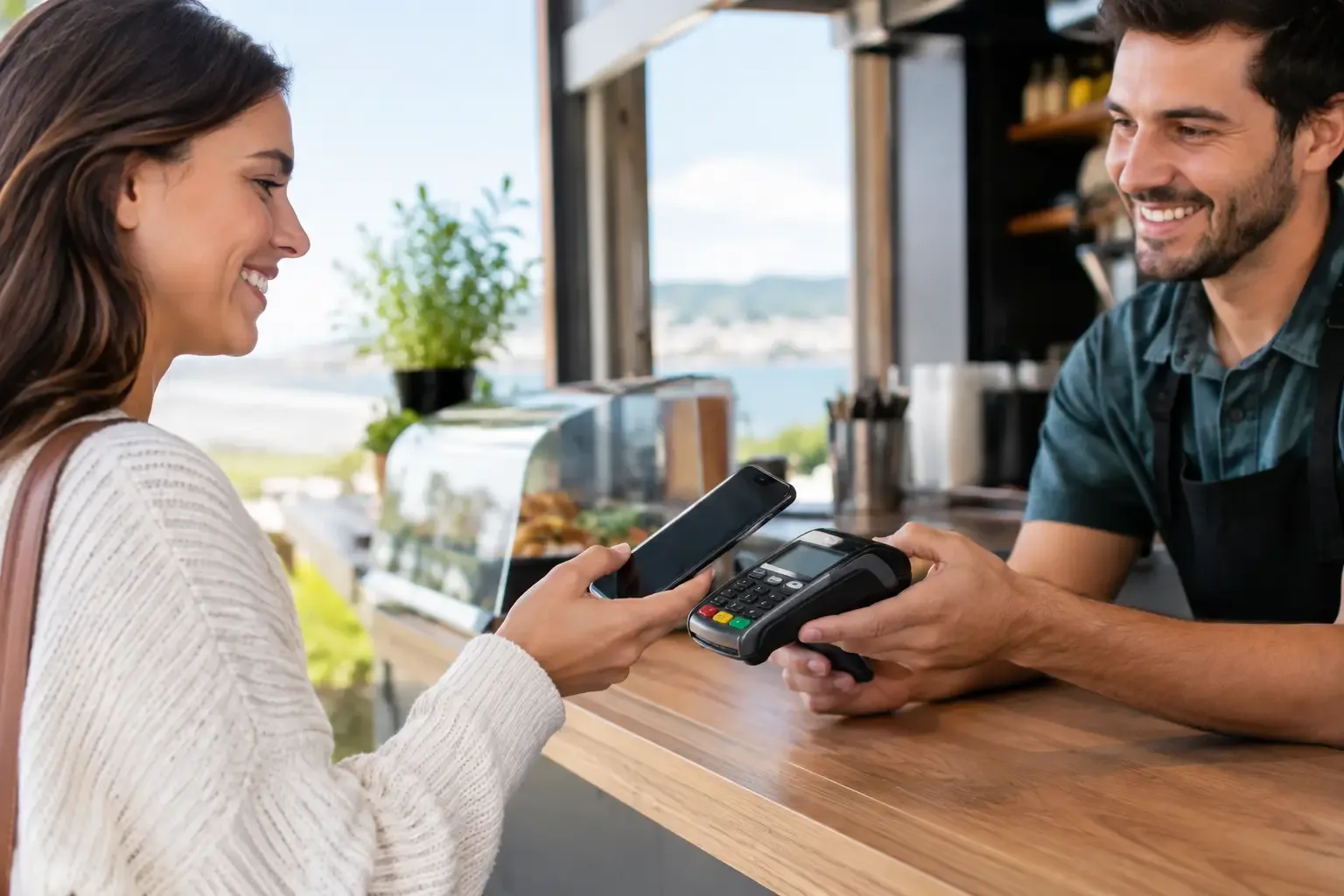
Depending on the solution installed, the customer may complete payment by scanning a QR code, through the MB Way app or via a flow shown on the terminal. The available option varies according to the acquirer, the terminal model, the equipment certification and the merchant’s acceptance contract. So it is not enough to ask whether the kiosk has MB Way. The right question is whether the whole payment solution supports MB Way in a self-service environment.
Why MB Way matters in unattended service
MB Way reflects well-established behaviour: many customers use their phone as their main means of payment and expect to complete low and medium-value purchases without taking a card or cash out of their wallet. At a kiosk, this speed has a direct impact on how the service is perceived, especially when the customer is ordering a meal, paying for a quick purchase or completing a service without assistance.
The advantage is not only the payment method. It is the reduction in steps. The customer places the order, reviews the items, chooses MB Way, authenticates the transaction and receives confirmation. When this journey is well designed, staff no longer have to focus on taking payments and can dedicate themselves to preparation, restocking, floor support or handling exceptions.
There is, however, a balance to strike. Not every customer wants to or can pay by phone. An efficient point of sale should not exclude card, cash or other methods suited to the profile of the business. In businesses with heavy cash use, a kiosk can be complemented by an automated cash managementsolution, with the same goal: less handling, fewer change errors and shorter service times.
What the operation gains from integrated payment
The main improvement is process consistency. The amount shown to the customer is the same one sent for payment and the same one recorded in the system. This link reduces till discrepancies, avoids manual entry of amounts and makes daily reconciliation easier.
In a quick-service restaurant, for example, the kiosk can send the order straight to the kitchen once payment is authorised. The customer does not need to wait in a second queue to pay and the kitchen only receives confirmed orders. In a retail shop, the equipment can handle simple purchases and free up the traditional counter for returns, advice or higher-value sales.
In hotels, the principle is similar. A check-in or services kiosk can collect data, present additional options and process payments autonomously, provided it is connected to the right systems. In self-service laundrettes, digital payment reduces reliance on coins and notes, simplifying an operation that is often run with small teams.
The most relevant operational benefits include:
- Shorter queues at peak times.
- Fewer errors when entering amounts and handling change.
- Automatic recording of transactions in the sales system.
- Greater service availability outside the hours when most staff are present.
- Better ability to analyse orders, sales and equipment usage.
These gains depend on real usage. A kiosk placed in a poorly visible spot, with a confusing menu or no clear indication of payment methods will see limited uptake. The technology must be part of the customer journey, not set apart from the operation.
How to choose a kiosk with MB Way for your business
The choice should start with the operation, not the equipment. A restaurant with a high volume of counter orders needs a different solution from a laundrette, a convenience shop or a hotel. The number of transactions, the type of products, the need for printing, the connection to the kitchen, the space available and the payment methods required all shape the right configuration.
First, confirm compatibility between the kiosk, the point-of-sale software and the payment terminal. The integration must be able to send the amount automatically and receive the transaction response. You also need to check whether the payment provider offers MB Way for unattended use and what commercial terms apply.
Next, assess the on-screen experience. Buttons must be legible, steps well organised and the customer must clearly understand when payment is being processed or has been completed. Excessive instructions, waits with no indication or technical messages undermine confidence and can lead to abandoned purchases.
Reliability is another essential criterion. A kiosk is a point of service and should be treated as such. It needs stable connectivity, recovery mechanisms for communication failures, technical support and monitoring. When a payment is started but confirmation is delayed, the system should guide the customer and prevent duplicate charges or repeated orders.
Finally, consider maintenance and future development. The equipment should keep up with changes to menus, prices, campaigns and operating rules without creating excessive reliance on manual intervention. A well-implemented solution makes it possible to adjust the service quickly and keep the experience consistent at every point of sale.
Security, compliance and transaction control
Accepting MB Way at a kiosk requires the same rigour as any in-person electronic payment. Sensitive payment data must be processed by certified components and the kiosk should not store information it does not need to complete the sale. Responsibility for security is shared between the merchant, the equipment supplier, the software and the payment provider, so it is essential to work with partners who know this ecosystem.
From a management point of view, procedures need to be defined for specific situations: declined payment, temporary network unavailability, a customer abandoning the process or an authorised transaction without an immediate receipt. These exceptions do not invalidate automation. On the contrary, they show why a professional implementation should plan clear flows before the kiosk goes live.
Reports are also part of control. By cross-referencing transactions by payment method, hours of use, average order time and completion rate, managers can see whether the equipment is doing its job. If MB Way is heavily used at certain times of day, it may justify more self-service stations. If customers often abandon before paying, the menu may need simplifying or the terminal position reviewing.
A payment solution, not just a piece of equipment
The value of a kiosk is not only in the hardware. It lies in how it connects the customer to payment, the order and internal operations. SelfPay puts this approach into practice through specialised self-service and automated payment solutions, tailored to the needs of each sector and the operational reality of each point of service.
For a business that wants to reduce queues, accept digital payments and gain control over sales, the decision should be driven by integration, reliability and support. A kiosk that accepts MB Way can become a driver of operational growth when it removes steps for the customer and generates useful information for those running the business. The goal is not just to accept one more payment method: it is to build faster, more predictable service that is ready for real demand.