
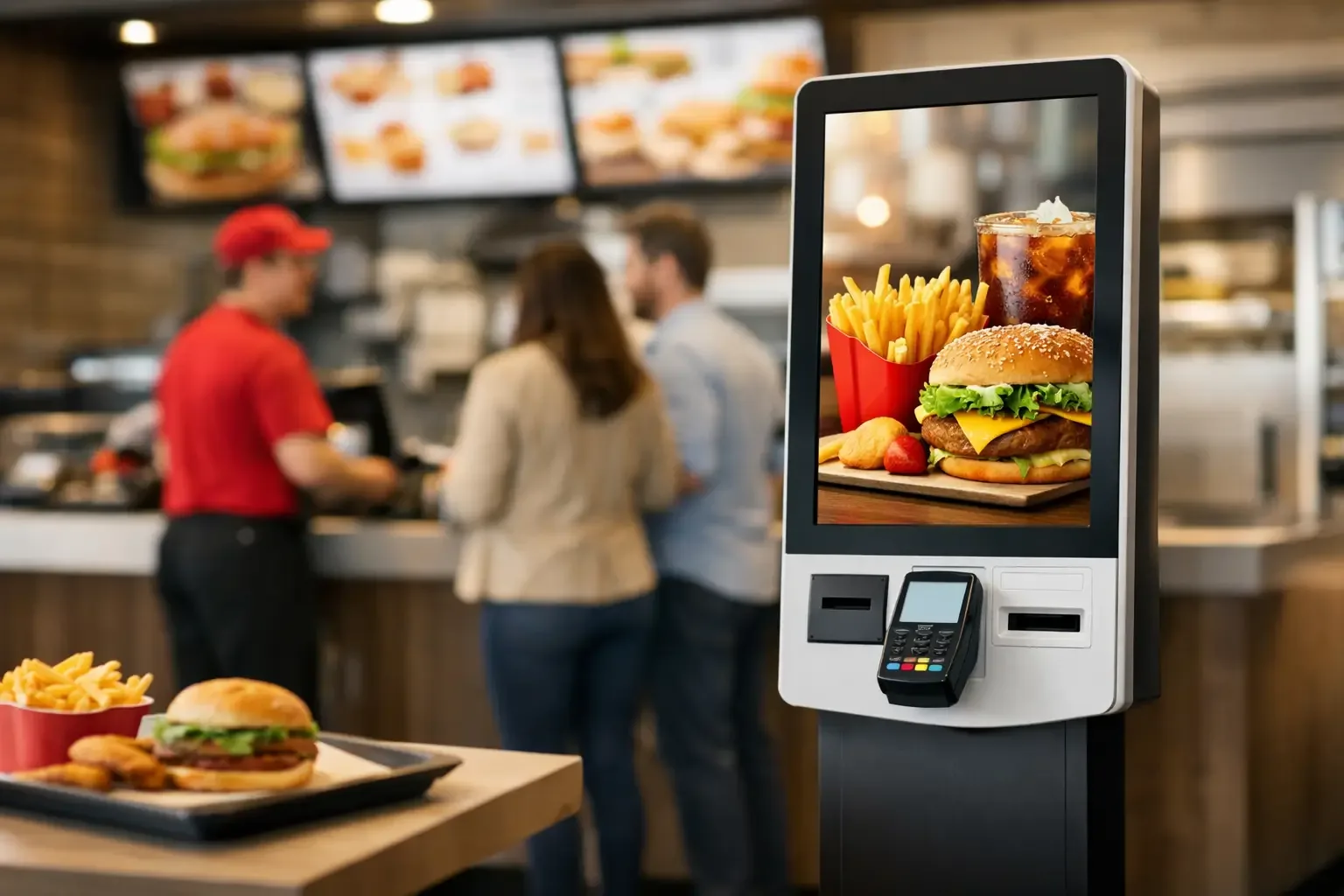
The queue grows precisely when the operation needs to speed up: at lunchtime, before a show, in a shopping centre or at a tourist spot. In a quick-service restaurant, a few minutes of waiting can mean lost orders, staff under pressure and a less positive perception of the service. It is in this context that choosing the best fast food kiosks stops being just a technology decision and becomes an operational one.
A well-integrated self-service kiosk lets customers browse the menu, customise their order and complete payment without relying solely on the counter. Staff gain time to prepare, deliver and deal with exceptions. However, not all devices or configurations deliver the same result. The best kiosk is the one that matches the venue’s real flow, communicates correctly with existing systems and is simple to use at the busiest times.
What makes the best fast food kiosks
The assessment should not start with screen size or equipment price. It should start with a specific question: where is the friction in service? In some restaurants, the problem is the queue to pay. In others, it is errors in communication between customer, counter and kitchen. There are also operations where the challenge lies in serving foreign customers quickly or in menus with many customisation options.
The best fast food kiosks combine four dimensions: a clear ordering experience, reliable payments, operational integration and robustness for heavy use. If any of these components fails, the investment may create a new bottleneck instead of reducing existing ones.
The interface should be intuitive from the first touch. Visible categories, useful photos, well-organised product modifiers and a short payment journey help customers decide without asking for help. This is particularly relevant when the menu includes meal deals, extras, allergens, customisation levels or limited-time promotions.
On the other hand, speed does not mean limiting choice. It means presenting each decision at the right moment. For example, drink selection should appear when it is part of the meal, rather than forcing the customer back through several screens. The software configuration should reflect the restaurant’s sales logic, not just the administrative structure of items in the point of sale system.
Choosing the right format for the space and the flow
The physical format of the kiosk influences customer uptake and circulation in the venue. A freestanding unit can work as the main ordering point in a food court or a busier outlet. A countertop solution suits more compact spaces, reinforcing existing service without significantly changing the layout. Wall-mounted kiosks, meanwhile, can free up walkway space in places where every square metre affects the operation.
The choice depends on the number of orders per period, the width of aisles, the location of the entrance and the collection area. Installing several kiosks by the door may reduce the initial queue, but it creates confusion if customers do not understand where to wait for their order. Likewise, a single unit may be enough for a concept with moderate demand but become insufficient at peak times.
Before implementation, it is worth observing the operation over several days and at different times. How many customers leave the queue? How many orders need corrections? How long does it take from starting an order to payment confirmation? This data makes it possible to size the number of units and choose the best location based on operational criteria, not intuition.
Screen, accessibility and durability
In a fast food environment, the screen must be readable in different lighting conditions, respond accurately to touch and withstand continuous use. A screen that is too small makes long menus hard to navigate. An excessively large screen can be a cost without a proportional gain, especially if the ordering journey is well designed.
Accessibility deserves the same attention. Installation height, approach space and clear typography influence use by different customer profiles. The aim is not to create a visually impressive device, but to allow most orders to be completed without staff intervention.
It is also important to assess component quality, ease of maintenance and technical access. A kiosk that is down at peak time is not just an unavailable device: it is a share of service capacity that disappears. Solutions designed for professional use should make interventions, peripheral upgrades and remote monitoring easy when needed.
Integrated payments reduce steps and errors
Payment is the stage where many self-service journeys lose efficiency. When customers have to finish their order at the kiosk and walk to another point to pay, autonomy is incomplete. Integrating a payment terminal into the unit itself reduces steps, speeds up order confirmation and eliminates communication failures.
In Portugal, card and mobile payments are key to the shopping experience. Even so, the ideal model depends on the customer base and the concept. An operation with a high volume of tourists can benefit from multilingual screens and a range of payment methods. A neighbourhood restaurant with many regulars may value fast reordering and integration with loyalty schemes above all.
For businesses that accept cash, the decision requires further analysis. Automated cash management can strengthen till control, reduce change errors and limit direct handling by staff. However, it must be linked to the overall customer journey and to cash-up procedures. Simply adding a cash module is not enough if replenishment, collection and reconciliation are not defined.
Integration with POS and kitchen: the deciding factor
A kiosk should not operate as an island. After payment, the order must reach the point of sale system and production correctly, with the necessary modifiers, notes and timings. This integration is decisive to avoid duplicated tasks, preparation errors and differences between the amounts recorded at the kiosk and those in the daily cash-up.
The link to the kitchen can take different forms: printing a ticket, sending to an order management system or displaying on a kitchen screen. The right solution depends on menu complexity and how the team is organised. In a concept with few items and quick preparation, the process can be simple. In an operation with separate stations for burgers, sides, drinks and desserts, order routing should follow the workflow of each station.
It is equally important to define how exceptions are handled. What happens when an item sells out? How is an order changed once it has been paid? Who steps in if payment is declined or the customer needs an invoice? These situations do not cancel out the benefits of automation, but they need to be planned for so that staff can respond quickly and consistently.
A kiosk should sell better, not just serve faster
Shorter queues are an immediate benefit, but the commercial potential goes further. A digital menu can present relevant suggestions, highlight extras that are rarely chosen and guide meal composition. When these recommendations are clear and suited to the order, they can raise the average spend without excessive sales pressure.
The rule is simple: a suggestion should add convenience for the customer. Offering a side to someone who has chosen a main course makes sense. Repeating several offers before payment, or hiding the option to continue, causes frustration and can increase abandonment. The commercial configuration should be tested with real orders and adjusted according to the results.
Data collected by the operation also helps with decisions. It is possible to identify the most customised items, busiest times, frequent combinations and moments when customers ask for help. These indicators make it possible to review the menu, staff rotas and the logic of the kiosk itself based on observed behaviour.
Implementation: technology, team and follow-up
Implementation should be treated as a process change. Before the kiosks go live, it is necessary to validate the product catalogue, prices, applicable taxes, languages, images, availability rules and the connection to payment and production systems. A seemingly small configuration error can cause repeated delays throughout the day.
Staff should know how to help customers without taking over the whole process manually. In the first few days, having staff next to the units speeds up adoption and reveals areas where navigation can be improved. This phase is also an opportunity to gather recurring questions and simplify screens, messages or menu options.
SelfPay works with self-service solutions designed for face-to-face service settings, supporting businesses that want to automate orders and payments with operational efficiency in mind. Equipment selection should consider not only the moment of purchase, but also the operation’s capacity to evolve, technical support and compatibility with the systems already in use.
The right choice is not necessarily the kiosk with the most features. It is the one that reduces friction for the customer, gives staff control and keeps the order moving accurately, from the first touch to delivery.