A queue of three people may seem like an operational detail. In a convenience store, local supermarket or specialist shop, it can be the reason a customer gives up on a purchase, buys fewer items or decides not to come back. A guide to self-checkout in retail should start from this reality: automating payment is not just about installing equipment. It means redesigning the final moment of the purchase to gain speed, control and service capacity.
Self-checkout can have a direct impact on point-of-sale productivity, but it only delivers consistent results when the solution matches the type of shop, the customer profile and the daily flow of operations. The right choice reduces repetitive tasks at the till and allows the team to focus on sales support, restocking, answering questions and loss prevention.
What is self-checkout in retail
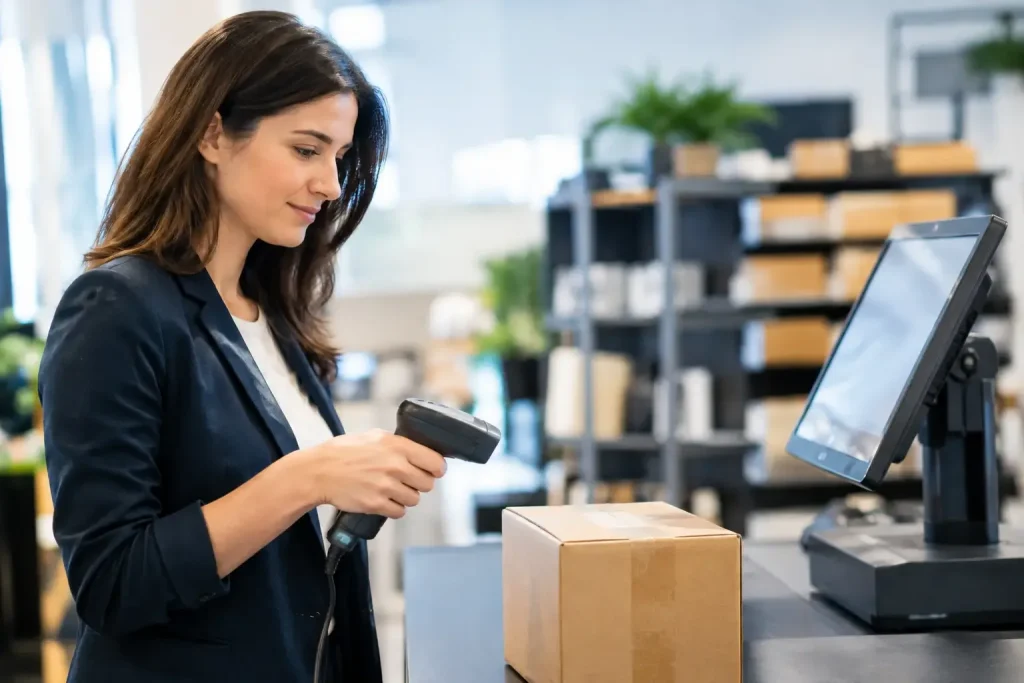
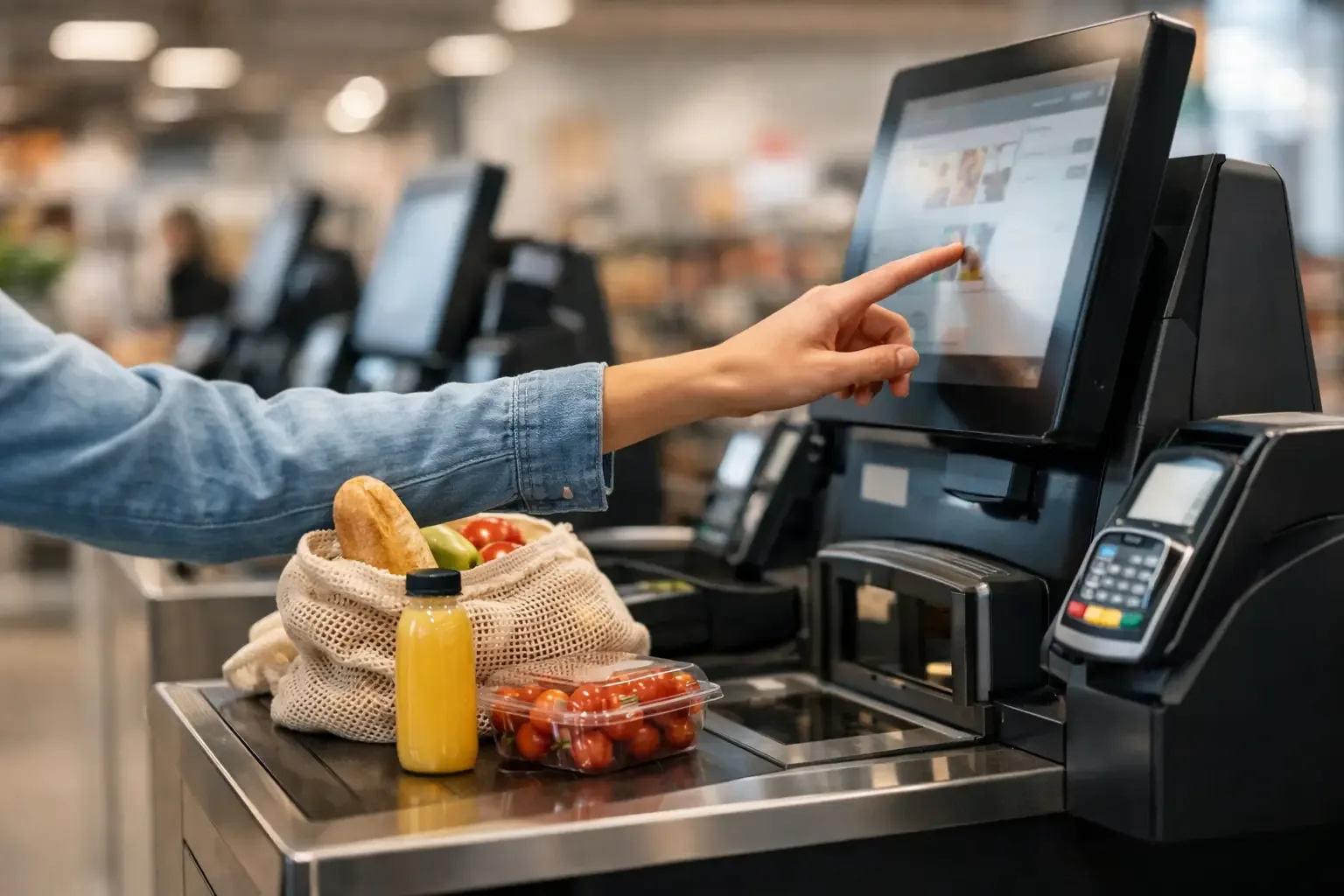
Self-checkout is a payment model in which customers scan and pay for their items with minimal involvement from a member of staff. Depending on the operation, it can take the form of self-service tills, payment kiosks or solutions integrated into the service counter.
The process usually includes scanning barcodes, validating prices, choosing the payment method and issuing a receipt. In shops that handle cash, automated cash management adds an important layer of control: it accepts notes and coins, validates them, gives change and reduces the need for the operator to handle money during the shift.
Technology on its own does not replace customer service. It changes it. Instead of having one person dedicated to scanning items and counting money, the shop can have a member of staff available to oversee several stations, step in when needed and keep the shopping experience smooth.
Why consider automating payment
Pressure on operating costs and the difficulty of staffing busy periods lead many retailers to rethink their checkout model. Self-checkout addresses this challenge, especially in operations with quick purchases, customers used to paying by card or mobile phone, and concentrated peaks in demand.
The most visible gain is shorter waiting times. However, the benefit goes beyond speed. By automating scanning and payment tasks, the business can standardise procedures, reduce change errors and gain greater traceability over till operations.
In businesses that accept cash, automated cash management equipment also reduces till discrepancies and limits direct access to money. This improves security, simplifies end-of-shift closing and makes daily reconciliation easier. For managers with several shops, consistent processes become particularly valuable.
There is also a commercial dimension. A customer who finds payment simple tends to see the shop as organised and up to date. This does not mean every customer wants to use self-service. For this reason, many operations benefit from a hybrid model, with self-checkout for simple purchases and assisted service for more complex needs.
How to assess whether your shop is ready
Before selecting a solution, it is important to observe how the shop actually works. The average number of transactions per hour, the number of items per purchase, the most used payment methods and peak periods are more useful indicators than a decision based only on available floor space.
A shop with many purchases of just a few items can benefit immediately from self-service stations. An operation with large baskets, products without barcodes, sales by weight or items that require checks may need additional configuration and closer supervision. This is not an obstacle, but it shapes the design of the solution.
Customers’ digital maturity should also be considered. In a space used by a diverse public, the screen must be clear, the instructions straightforward and assistance visible. The aim is not to force customers to learn a complex process, but to make payment intuitive from the very first use.
Operational questions that guide the decision
Among other things, the assessment should answer four questions: where queues form, which tasks take up most of the team’s time, which till errors keep recurring and at which moments human intervention is essential. The answers help define the number of stations, the need for integration with the point-of-sale software and the role of each staff member after implementation.
It is equally essential to confirm compatibility with the existing infrastructure. A self-checkout must communicate correctly with stock, prices, promotions, payment methods, loyalty schemes and invoicing systems. A fast on-screen experience loses its value if it causes failures at till closing or stock discrepancies.
Choosing the right configuration
There is no single correct configuration for all of retail. A neighbourhood grocer, a cosmetics shop, a specialist store and a food chain have different rhythms, risks and needs. The decision should combine equipment, software, integration and ongoing support.
In operations where cash is heavily used, an automated payment solution that handles notes and coins may be more suitable than a station limited to electronic payment. The equipment reduces staff contact with money, ensures exact change and strengthens traceability. In businesses where card payments dominate, the priority may be scanning speed, interface design and the ability to handle several transactions at once.
The physical installation deserves the same attention. The station should be placed in an accessible spot, without blocking the flow of people and with good visibility for the team. Signage helps, but it should not replace an intuitive route. If customers cannot quickly see where to start, the process creates a new queue instead of removing one.
Security and loss prevention
Concern about losses is legitimate when it comes to self-service. However, treating self-checkout purely as a risk ignores the tools and procedures available to control it. Effective prevention comes from combining technology, the right configuration and an active staff presence.
The interface can request approval for restricted items, exceptional discounts or weight differences. Centralised supervision allows one member of staff to oversee several stations and step in without holding up every customer. Integration with CCTV and operational control systems can strengthen the analysis of unusual situations, in line with applicable policies and data protection rules.
Automated cash management adds protection at a particularly sensitive point. Less manual handling means fewer opportunities for errors, losses and discrepancies. Even so, the technology does not remove the need for clear rules: opening and closing procedures, access permissions, staff training and regular review of incidents.
Implementing without disrupting the shop
A well-managed implementation starts before installation. Current flows need to be mapped, measurable goals defined and the team prepared for new roles. Change is better accepted when staff understand that their job is not limited to watching machines: they gain more time to help customers and look after the shop floor.
The initial phase should include tests with items, promotions, returns, mixed payments and exceptions. These scenarios determine customer confidence in the system. If the shop sells products by weight, gift cards or age-restricted items, those processes need to be covered from day one.
It is advisable to track simple indicators in the first few weeks: average payment time, staff intervention rate, abandoned transactions, till discrepancies and customer satisfaction. This data shows whether the configuration is right or whether on-screen messages, approval rules or station layout need adjusting.
SelfPay supports this transition with specialised solutions for in-person operations, including automated cash management systems and self-service equipment. The value lies in fitting the technology to the business context, not in applying the same model to every shop.
The return is measured in daily operations
Investment in a self-checkout system should be assessed on concrete results. Less time spent on till tasks, fewer errors, simpler closing, greater service capacity and better use of staff are metrics that make it possible to calculate the real impact.
The return does not depend only on sales volume. A shop with moderate demand may justify automation if it has recurring problems with cash, short opening hours or a need to free staff for higher-value tasks. On the other hand, an operation strongly focused on personal service may prefer to introduce self-checkout gradually.
The best decision is the one that solves an identified friction point and improves control without driving customers away. When payment stops being a point of waiting and becomes a simple step, the shop gains time for what really sets its service apart: serving customers better, selling more effectively and operating more predictably.