
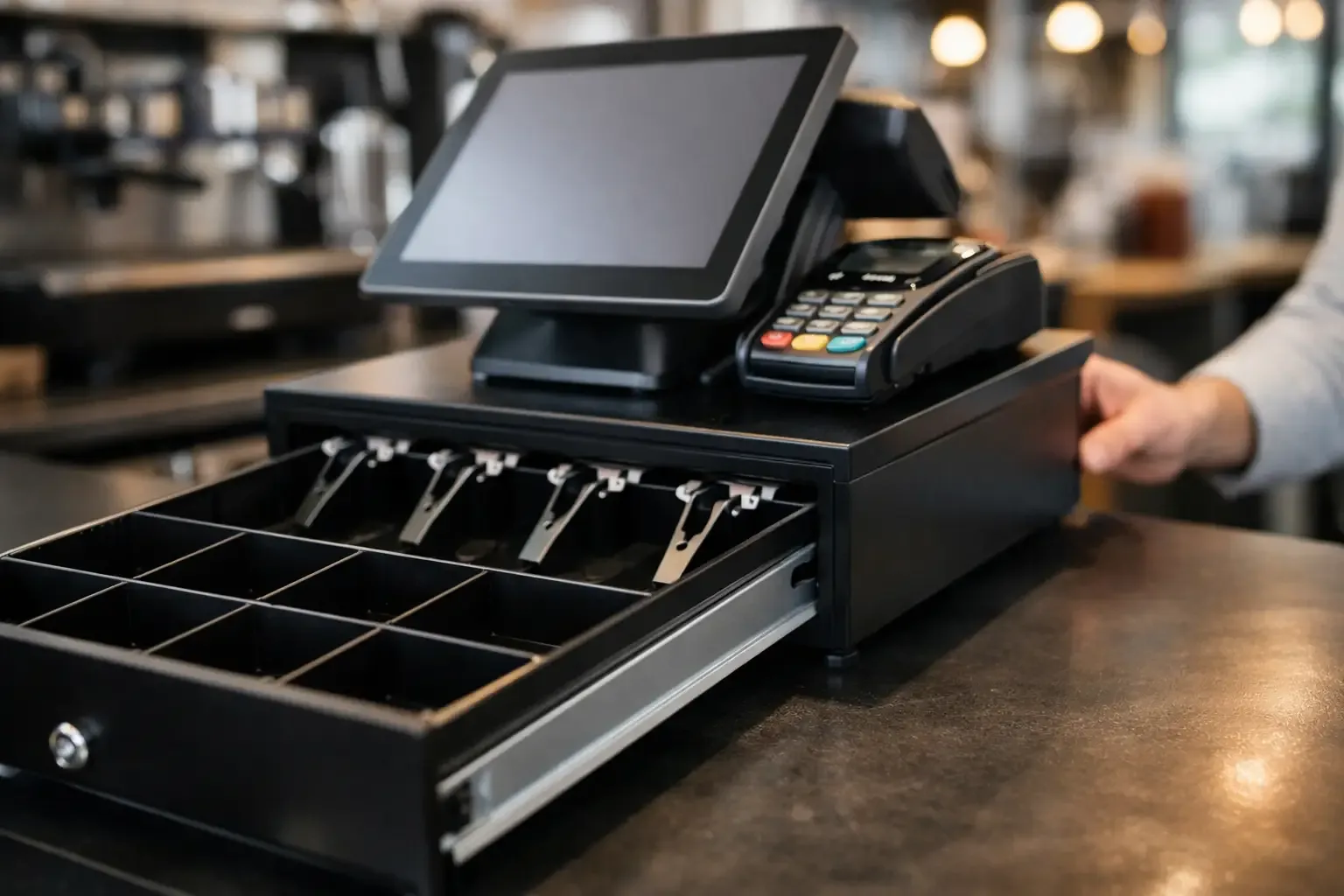
A point of sale that stops accepting physical cash does more than remove the cash drawer from the counter. To set up a cashless till successfully, you need to redesign the payment flow, ensure digital methods work without interruption and prepare the team for a different way of operating. When implementation is well managed, the business cuts manual tasks, limits closing errors and speeds up service.
This decision is especially relevant for businesses with high transaction volumes, rotating teams or extended hours, such as food service, retail, hospitality, self-service launderettes and quick-service outlets. But a cashless till only improves the operation when technology, procedures and customer communication are aligned.
What operating a cashless till means
A cashless till is a service point where payments are processed electronically, with no accepting, giving change for or storing coins and notes at the counter. Payment can be made by card, contactless, MB WAY, payment reference, QR code or other methods integrated into the sales system.
The most visible benefit is the reduction in time spent handling cash. There is no change to check, no floats to prepare, no daily deposits to make and no cash discrepancies to investigate. However, the change has operational implications: connectivity becomes critical, terminals must be properly integrated and customers must know which options are available before they reach the point of payment.
For some businesses, a fully cashless operation is appropriate. For others, it may make more sense to start with specific tills, self-service kiosks or express checkouts. The choice depends on the customer profile, location, average spend and the ability to guarantee reliable digital alternatives.
How to set up a cashless till step by step
Set-up should start with the sales process, not the equipment. Before installing a terminal or changing POS settings, analyse how customers come in, choose, pay and receive their receipt. This assessment helps avoid solutions that speed up payment but create delays at another stage of service.
Define the accepted payment methods
Start by selecting the methods that match your customers’ real habits. In Portugal, card and contactless payments are essential for most face-to-face operations. MB WAY can be just as relevant, especially in food service, local shops and services used by customers accustomed to paying by mobile phone.
Variety should be useful, not excessive. Accepting multiple methods reduces abandoned sales, but each option needs to be visible, configured and reconciled in the system. If the business serves foreign customers, also check acceptance of international cards and the clarity of the instructions shown on the terminal or kiosk.
Integrate the payment terminal with the POS
A standalone terminal can accept payments but forces the operator to key in amounts manually and confirm the transaction in two systems. This separation increases the risk of error, especially at busy times.
Integrating the POS with the terminal allows the amount due to be sent automatically, links the payment to the correct receipt and cuts steps at the counter. At closing, comparing sales and payments becomes simpler, because transactions are recorded in the same operational flow.
Check with the supplier that the integration supports the payment methods you need, refunds, voids, tips where applicable and receipt issuing. It is also advisable to test sales of different amounts, contactless payments, authorisation failures and reversals before putting the solution live.
Set up profiles, permissions and closing routines
Removing physical cash does not remove the need for control. On the contrary, a digital operation requires clear rules on who can void sales, issue refunds, change items or view transactions.
Define profiles by role. A front-of-house employee may need to record orders and complete payments, while a shift manager should be authorised to make voids and refunds. Whenever the software allows, keep a record of each action linked to the user who performed it. This practice strengthens traceability and speeds up resolving discrepancies.
Cashing up should also be adapted. Instead of counting notes and coins, the team confirms recorded sales, approved payments, pending transactions and any refunds. Establish a simple daily routine, with validation of totals and review of exceptions. The aim is not to create red tape, but to quickly detect duplicate payments, communication failures or transactions left incomplete.
Prepare connectivity and a continuity plan
In a cashless till, the internet connection is part of the sales infrastructure. An unstable network can halt service even when the POS and terminal are working. So assess the Wi-Fi quality at the payment point and, if necessary, use a dedicated connection or a mobile backup.
The continuity plan should state what to do in the event of a network failure, temporary terminal unavailability or a power cut. The answers depend on the solution installed, but they should be defined before the problem occurs. The team needs to know whom to contact, how to inform the customer and when to resume transactions.
Do not assume all terminals behave the same way in fallback mode. Confirm the technical and operational conditions with the suppliers involved in advance. A well-defined policy avoids improvised decisions under pressure.
Communicate the change before payment
Signage is a functional part of the set-up. If customers only discover that cash is not accepted when they come to pay, the business creates friction, queues and a negative perception of the service.
Place clear information at the entrance, next to the menu or product display and at the counter. The message should state directly which payment methods are accepted. In operations with kiosks, show the available methods on screen before final order confirmation.
The wording should be straightforward. Rather than a defensive message, present the choice as part of faster, safer service. Even so, communication is no substitute for the advertised methods actually being available. If the business says it accepts card and MB WAY, both must be tested and working.
Train the team for a digital operation
Adopting a cashless till changes habits that seem simple: confirming a payment, issuing a receipt, dealing with a declined card or making a refund. Without training, the promised speed can turn into confusion at the counter.
The team should know the full journey of each payment, from recording the sale to closing the shift. They should also be able to tell an approved transaction from a pending or declined one, without mistakenly asking the customer to pay again. Duplicate payments are one of the most damaging situations for customer trust and staff time.
Include practical cases in the training: loss of connection, cancellation before completion, partial refund, receipt not printed and a mismatch between the POS total and the terminal. A short procedure available at the workstation reduces dependence on a single experienced employee.
Measure whether the set-up is delivering real gains
After implementation, track indicators that show the operational impact. Average service time, the number of declined payments, staff requests for help, closing discrepancies and refund volume are useful data for assessing the operation.
It is also worth comparing the time previously spent preparing floats, counting cash, transporting money and investigating discrepancies. Not all gains show up directly in the value of a sale, but they affect daily productivity and the team’s ability to focus on customers.
For businesses with several tills or sites, standardisation is decisive. Using the same payment process, the same access profiles and the same closing routine makes centralised management easier and reduces errors between shifts. Specialised solutions, such as those offered by SelfPay Portugal, can frame this transition according to the sector and service model of each operation.
A cashless till works best when it is no longer seen as a change of payment method and is treated as a complete upgrade of the point of sale. Start with a clear flow, test every scenario and adjust based on what the team and customers actually use. It is this preparation that turns digital payments into everyday efficiency.