
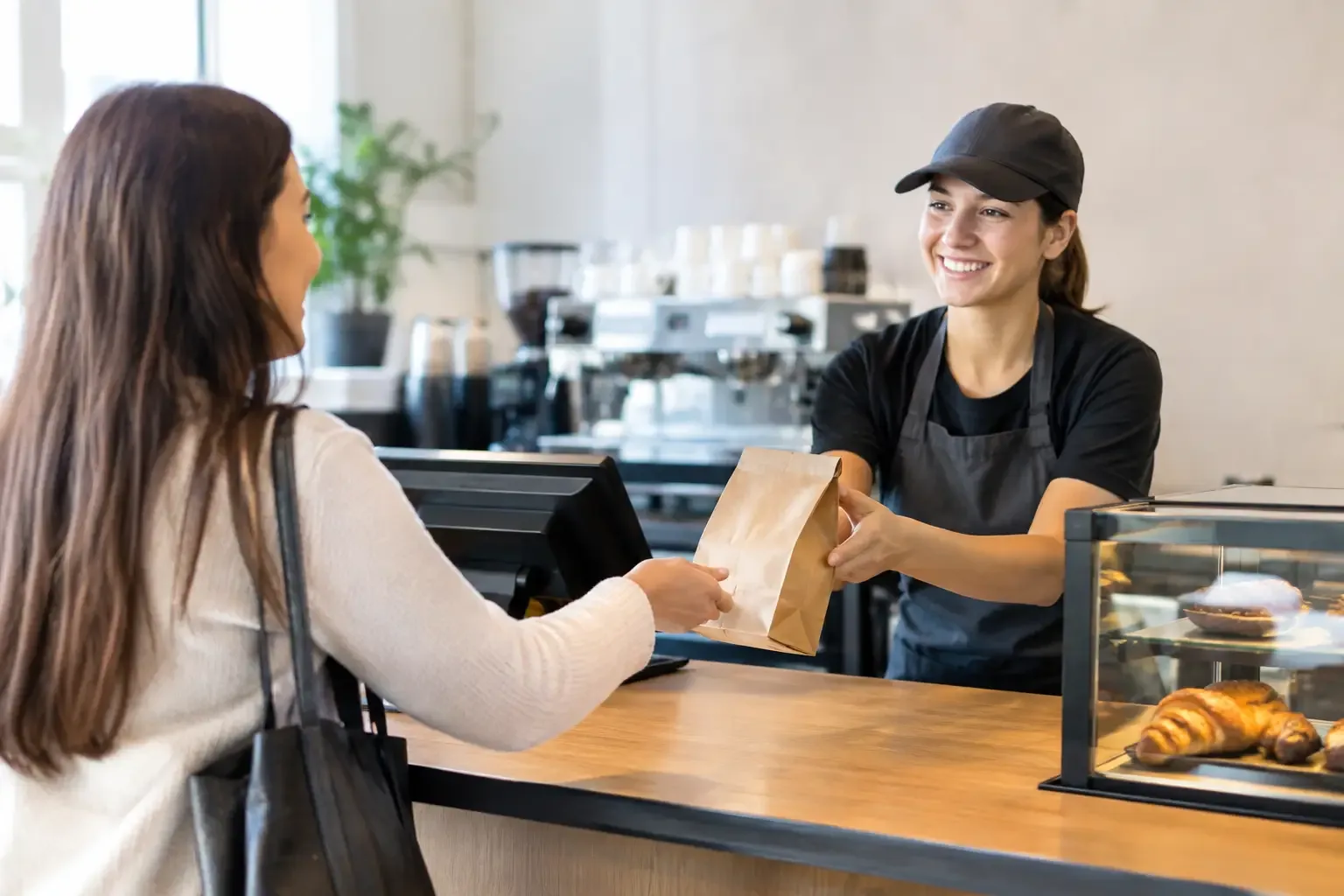
At lunchtime, a few seconds per order quickly add up: a queue grows, the team comes under pressure and customers start to wonder whether it is worth waiting. Understanding how to speed up counter orders is not just about serving faster. It means organising the whole journey, from choice to payment and handover, to remove tasks that do not require human intervention.
In a restaurant, café, convenience store or retail space with face-to-face service, speed is an operational variable. When the counter works well, the team can focus on service, errors decrease and sales capacity at peak times increases without having to add staff straight away.
Where time is lost at the counter
The first step is not buying technology. It is identifying the exact point where the order slows down. In many businesses, the delay is not in preparing the product, but in repeated questions, manual entry, searching for items in the system, change or payment validation.
Observe a peak period for 30 minutes. Measure the time between the customer reaching the counter and the transaction being completed. Then break that time down into stages: choosing, taking the order, entering it into the POS, payment, issuing the receipt and handover. This analysis shows whether the problem lies in the process, the equipment or how tasks are divided within the team.
A long queue can have different causes. If customers take a long time to decide, the menu or signage may be unclear. If payment creates bottlenecks, cash management or the terminals may be the critical point. If orders are entered quickly but handover is delayed, the counter is absorbing a failure in the kitchen, stockroom or preparation area.
How to speed up counter orders with a clear flow
A fast counter depends on a predictable flow. Customers should understand, without needing to ask, where to look at what is on offer, where to order, when to pay and where to collect or receive their product. Whenever these stages get mixed up, staff have to guide each person individually, interrupting the next customer’s service.
Start by simplifying your fastest-selling items. The most popular products should be visible, well organised and easy to select in the system. In restaurants, for example, meals, combos and frequent extras can be set up as direct options on the POS or kiosk. In retail, quick-purchase items should have up-to-date codes, prices and promotions, avoiding manual confirmations at payment.
It also helps to set a simple rule for exceptional situations. Special orders, returns, invoices with specific details or split payments take more time and should not block the main queue when they can be sent to a support point. This is not about treating those customers worse, but about protecting the flow of service as a whole.
Separating ordering, payment and handover where it makes sense
In high-volume operations, a single person taking the order, collecting payment and handing over the product creates a limit that is hard to overcome. Separating roles can increase capacity, provided the space and demand justify it. A member of staff or a kiosk takes the order, payment is completed immediately and handover takes place at a dedicated point.
This solution is particularly effective in cafés, quick-service restaurants and tourist areas, where peaks are concentrated. However, it is not a universal formula. In a small business with irregular demand, splitting the process too much can create unnecessary movement. The goal is to reduce waiting, not to add steps.
Automating payment to remove bottlenecks
Payment is one of the most sensitive stages at the counter because it combines speed, security and till control. When staff take notes and coins, check amounts, look for change and close the drawer manually, each transaction takes longer and is exposed to operational slips.
Automating cash management allows customers to insert their money and receive the correct change while the system records the sale amount. Staff no longer count money with every customer and can move on to the next order or help with preparation. As well as speed, this change reduces till discrepancies, limits direct access to cash and makes opening and closing procedures easier.
Card and mobile payment terminals should also be positioned to avoid repeated movements. A badly placed terminal forces customers to walk around the counter or staff to hold out the device for every sale. It seems like a detail, but over a period with hundreds of transactions it becomes significant.
The right solution depends on the business profile. Where cash still accounts for a significant share of sales, an automated cash management system can have an immediate impact. In places with many simple, repetitive orders, a self-service kiosk can absorb a considerable share of demand. In both cases, the technology should be integrated into the sales process, not work as an isolated element.
Kiosks: more capacity without a longer queue
A self-service kiosk is especially useful when customers can choose on their own. It lets them browse options, customise orders, pay and send the information to the kitchen without waiting for a member of staff to be free. The counter is no longer the only entry point for orders.
For this to work, the screen must offer simple navigation and a well-structured range. A kiosk with too many options, unclear names or confusing steps simply moves the queue from the counter to the machine. Best-selling products should appear first, and additional suggestions should be relevant, not intrusive.
There is also a commercial advantage: a customer who orders without the pressure of being served can explore add-ons, meal deals and higher-value options. But this opportunity only pays off if the kitchen or preparation area can keep up with the increase in orders. Before installing kiosks, assess production capacity at peak times.
Preparing the team for faster service
Automating does not reduce the importance of the team. It changes the tasks that deserve attention. Instead of counting coins, repeating prices or manually entering simple items, staff can welcome customers, resolve exceptions, check orders and ensure a careful handover.
Training should be practical and focused on real situations: a payment failure, a duplicate order, a customer who needs help at the kiosk, a shift change or replenishing consumables. When the team knows how to act without hesitation, a small incident does not bring the whole service line to a halt.
It is equally important to communicate the change to customers. Clear signage at the counter and the kiosk reduces doubts from the start. In the first few days, having a member of staff available to guide customers through the new process speeds up adoption and stops them from automatically returning to the traditional queue.
Measuring results and adjusting the operation
Speed should be measured with simple indicators. Average time per order, transactions per hour, maximum waiting time and till discrepancies show whether the operation is really improving. The share of orders placed at kiosks and the percentage of automated payments help gauge uptake of the new solutions.
Do not look only at averages. Service can have an acceptable average and still fail during the 60 most important minutes of the day. Compare the data by time slot, day of the week and type of order. This makes it possible to adjust schedules, equipment placement, quick menus and staff support where the pressure is greatest.
SelfPay supports in-person businesses with specialised solutions for payment automation, cash management and self-service, suited to the demands of sectors such as restaurants, retail and hotels. The right solution always starts from the real flow of the operation, the volume of transactions and the type of service the customer expects.
Speeding up the counter is not about asking the team to work faster. It is about removing everything from the journey that creates waiting without adding value, so that each order moves forward with more control, more security and less friction.